Y2K Filter: How to Get the Y2K Aesthetic on Your Photos
The short answer: the Y2K filter recreates how a cheap early-2000s digital camera rendered a photo — blown-out flash, warm white balance, soft focus and low-resolution texture. Y2K Cam has a dedicated Y2K look that applies all of it in one tap, live through the camera or to photos already on your iPhone. Free on the App Store.
What is the Y2K aesthetic, exactly?
The look everyone is chasing under #y2kaesthetic and #digicam is the output of point-and-shoot digital cameras from roughly 1999–2005. Those cameras produced a very specific image:
- Hard, direct flash — bright faces, hot highlights, deep shadows falling off behind the subject.
- Warm or slightly cool color cast — white balance guessed, and guessed wrong, in a charming way.
- Soft detail and noise — tiny sensors and low megapixel counts left everything a little dreamy.
- That "night out in 2002" energy — the photo looks like a moment, not a production.
It's the opposite of a modern iPhone photo, which is exactly why it reads as authentic. Today's computational photography sharpens, brightens and HDRs the atmosphere out of everything; the Y2K look puts it back.
How to get the Y2K filter with Y2K Cam
- Download the app — Y2K Cam, free on the App Store.
- Open the camera and pick the Y2K look — it's the bright, cool "1999 point-and-shoot flash" filter, and it's the app's signature.
- Shoot with the look live — you see the Y2K rendering in the viewfinder before you press the shutter, so you can frame for the flash-blown vibe.
- Or convert existing photos — import any picture from your library and it comes out looking like it was shot on a 0.3-megapixel digicam.
- Dial the intensity — tap the selected filter for the clean↔heavy slider. Keep it subtle for a soft digicam feel, push it for full lo-fi.
- Finish it Y2K-style — burn in the date stamp, or put the shot on a bold print background with a degraded caption.
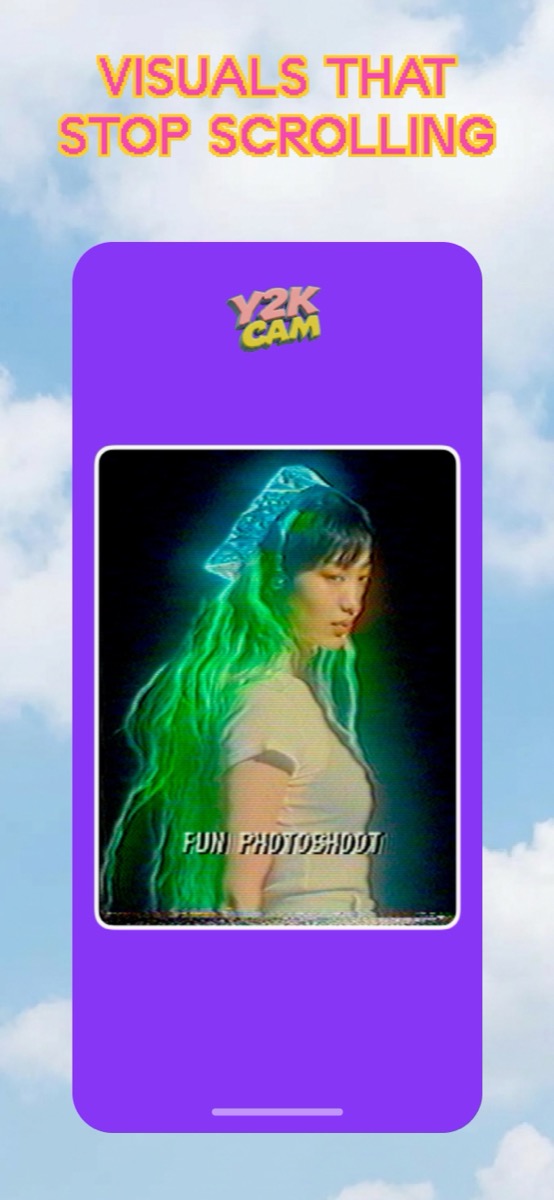
Y2K filter vs VHS filter — which one do you want?
They're cousins, not twins. The Y2K look is the digital point-and-shoot: bright flash, clean-ish but soft, still photo energy. The VHS look is analog tape: grain, scanlines, color bleed, motion. If your reference photo has a hot flash and a party in it, you want Y2K. If it looks like a paused home video, you want VHS — Y2K Cam has both in the same carousel, so you can flip between them on the exact same shot.
iPhone · iOS 17+ · works on photos and videos