How to Make Videos Look Like VHS on iPhone
The short answer: use an app that simulates the actual analog video signal instead of laying a grain overlay on top. Y2K Cam runs your footage through a real NTSC/VHS simulation — grain, color bleed, tracking noise and a burned-in date stamp — so your video looks like it was shot on tape, not filtered after the fact. It's free on the App Store.
What actually makes VHS footage look like VHS?
A VHS tape didn't just add "grain." The analog signal path changed the image in specific, recognizable ways:
- Color bleed — reds and magentas smear sideways past their edges, because color and brightness traveled on separate, low-bandwidth channels.
- Luma noise and grain — a living, moving texture, different on every frame.
- Scanlines and low line count — NTSC video was 480 interlaced lines, period. Softness is structural, not a blur filter.
- Tracking wobble and dropouts — the physical tape stretching and misreading.
- The burned-in date stamp — the camcorder's titler wrote the date and time into the signal itself, so it degrades along with the picture.
If a video is missing those signal-level artifacts — or the "grain" freezes while the video plays — your eye reads it as fake immediately. That's the difference between a VHS effect and a VHS overlay.
Why overlay filters look fake
Most "VHS filter" approaches (editor templates, static PNG grain, one-size overlay clips) composite a dirty texture over clean 4K footage. The sharpness of the modern sensor is still underneath: crisp edges, perfect color, stabilized motion — with dust floating on top. Real tape never looked like that. The degradation has to happen to the image, frame by frame.
How to make your videos look like VHS with Y2K Cam
- Get the app — Y2K Cam is free on the App Store.
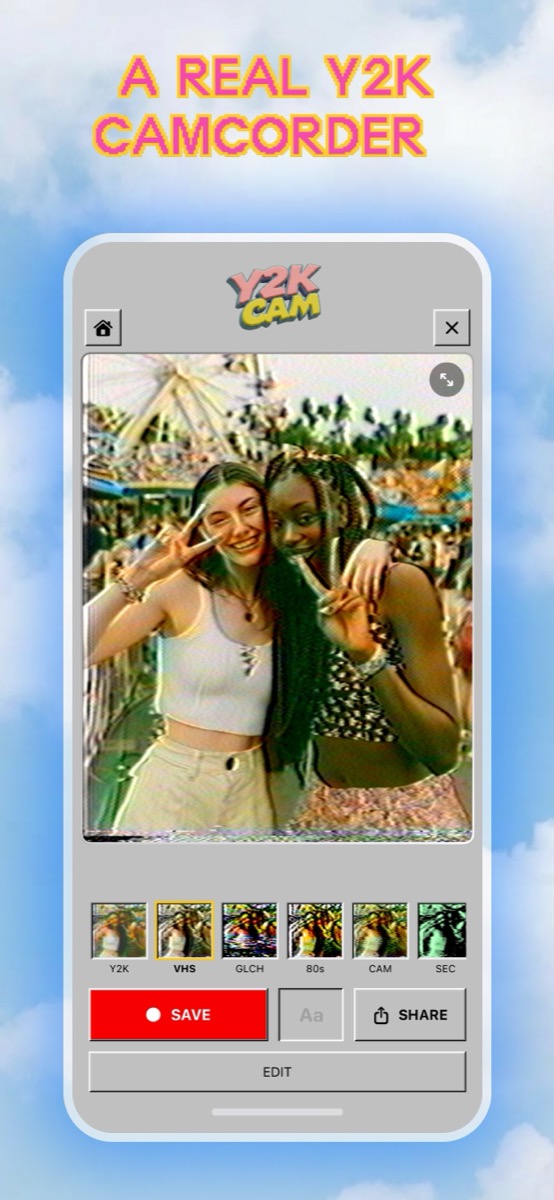
- Shoot through the viewfinder — record video live through the VHS look, so what you frame is exactly what you get. Or tap My Tapes → Add Photo or Video to convert a clip you already filmed.
- Pick the VHS look — swipe or tap through the filter carousel. VHS is the classic warm-grain tape look; CAM leans home-video, BCST leans broadcast TV.
- Set the intensity — tap the selected filter to open the clean↔heavy slider. Around 40% is the "found a tape in a drawer" sweet spot; 90%+ is full signal destruction.
- Burn in the date stamp — toggle the date stamp and the camcorder's ▶ PLAY display for the authentic 1999 corner text.
- Save or share — export to your camera roll (upscaled for posting) or share straight to your feed.
Does it work on videos I've already filmed?
Yes. Import any clip from your library and Y2K Cam processes it through the same signal simulation, audio included. Old vacation footage, concert clips, your dog — everything comes out the other side looking like it spent 25 years in a shoebox.
iPhone · iOS 17+ · every core look free