How to Make Photos Look Like the 2000s
The short answer: recreate what a 2000s point-and-shoot actually did — hard direct flash, warm-ish misjudged white balance, soft low-megapixel detail and visible noise. You can chase that with manual edits, or apply it in one tap with Y2K Cam's Y2K digicam look, which processes photos at a genuine 0.3-megapixel resolution. Free on the App Store.
Why 2000s photos look the way they do
A 2004 Cyber-shot wasn't trying to be lo-fi — it was doing its best. That's the charm, and it's why the digicam aesthetic is everywhere on TikTok: it reads as a real moment instead of a produced one. The technical fingerprints:
- On-camera flash as the main light — hot faces, hard shadows on the wall behind, darkness past ten feet.
- Warm or slightly off white balance — indoor shots go yellow-warm; club shots go weird in the best way.
- Low resolution, real noise — small sensors around 2–5 megapixels (early ones 0.3MP), noisy shadows, gentle softness everywhere.
- No HDR, no face retouching — highlights clip, shadows crush, skin looks like skin.
The manual way (and why it half-works)
You can approximate it in an editing app: add grain, drop clarity, warm the white balance, clip the highlights, maybe a slight vignette. It gets you 70% there — but modern photos start too perfect. The sharpening, HDR tone-mapping and noise reduction are already baked into the file, and grain-on-top doesn't fully hide them. Getting the last 30% means actually reducing the information in the image the way a small sensor did.
The one-tap way with Y2K Cam
- Get the app — Y2K Cam, free on the App Store.
- Choose the Y2K look — the bright, flash-blown "1999 point-and-shoot" filter. The capture pipeline is literally VGA 640×480 — 0.3 megapixels, the real spec of an early digicam.
- Shoot with flash energy — get close, shoot direct, let faces go bright. The viewfinder shows the digicam rendering live.
- Or convert camera-roll photos — import any shot and it comes out looking like it was found on an old SD card.
- Finish 2000s-style — burn in the date stamp, or drop the photo on a bold print background with a degraded caption for the MySpace-era collage vibe.
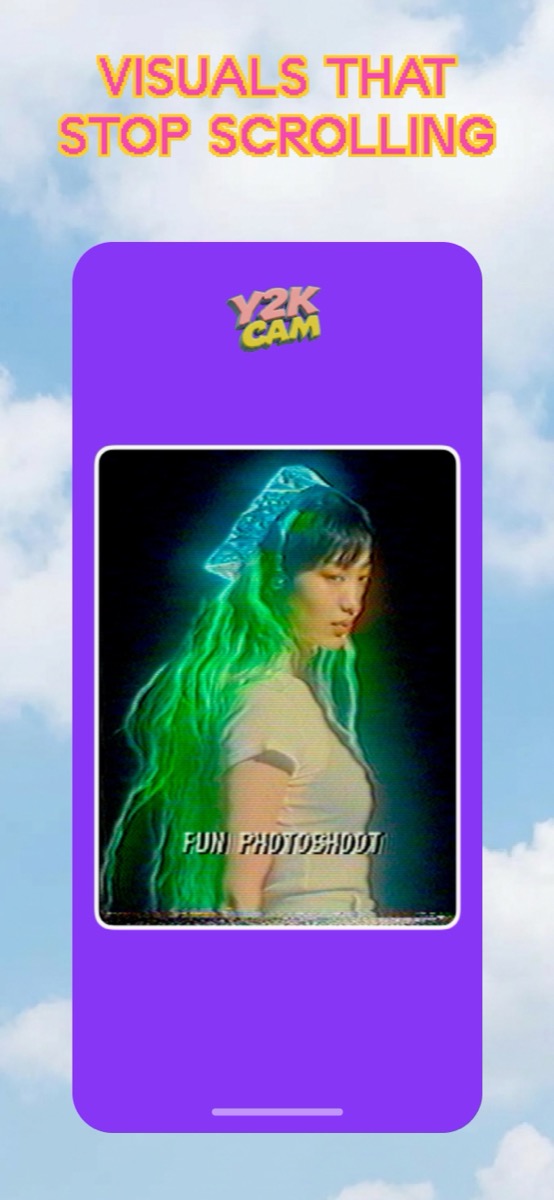
Digicam vs VHS vs 90s film — pick your era
The Y2K digicam look is a still photo from 2002: flash, soft, digital. The VHS look is a frame of tape from 1996: grain, scanlines, color bleed. If your moodboard says "flip phone and frosted lip gloss," go digicam. If it says "camcorder at a sleepover," go VHS. Y2K Cam has both on the same carousel, so try each on the same photo and see which one your feed believes.
iPhone · iOS 17+ · real 0.3MP pipeline